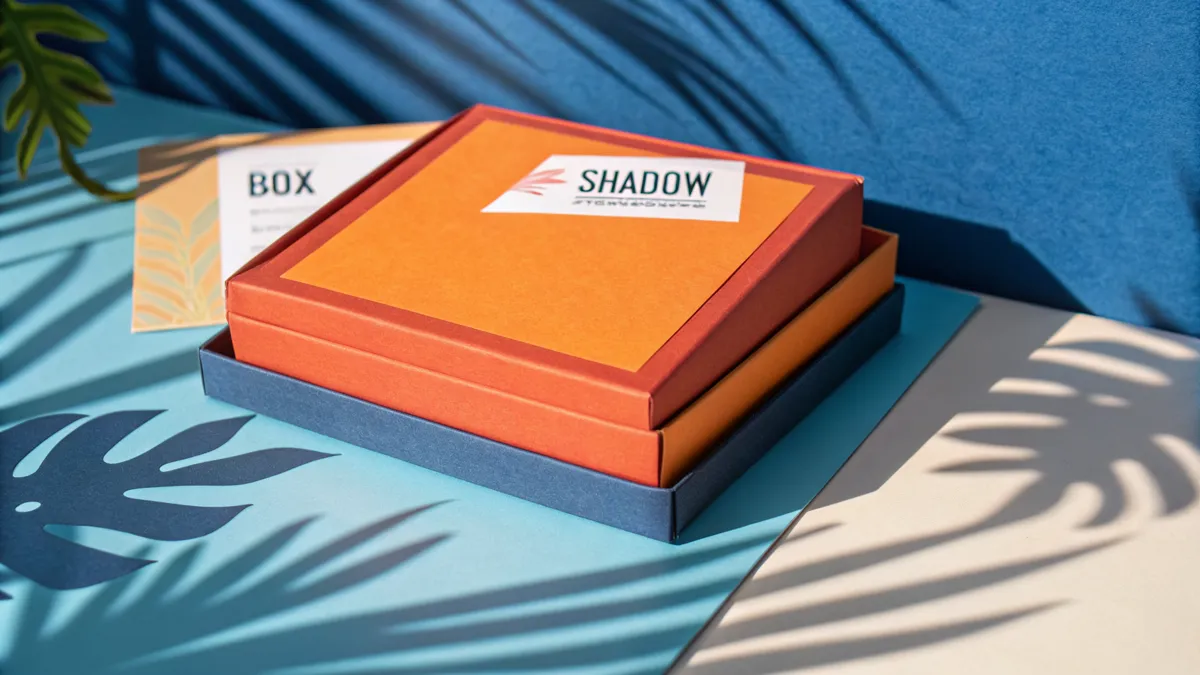
CSS shadows are one of the key tools for visual design of web interfaces. They add depth and dimension to elements, creating a sense of layers and visual hierarchy. The box-shadow property is used for block elements, and text-shadow — for text.
box-shadow: Shadow for Elements
Syntax: box-shadow: offsetX offsetY blur spread color;
- offsetX — horizontal offset. Positive value moves right, negative — left.
- offsetY — vertical offset. Positive moves down, negative — up.
- blur — blur radius. The larger the value, the softer the shadow. 0 means a sharp shadow.
- spread — shadow expansion. A positive value enlarges the shadow, negative — shrinks it.
- color — shadow color. Typically rgba() with transparency is used: rgba(0, 0, 0, 0.1).
- inset — keyword for an inner shadow.
text-shadow: Shadow for Text
Syntax: text-shadow: offsetX offsetY blur color;
Similar to box-shadow, but without the spread and inset parameters. Used for making text stand out on busy backgrounds, creating glow effects, or embossed text.
Popular Shadow Styles
- Soft card shadow:
box-shadow: 0 4px 6px -1px rgba(0,0,0,0.1), 0 2px 4px -2px rgba(0,0,0,0.1); - Pronounced button shadow:
box-shadow: 0 10px 15px -3px rgba(0,0,0,0.1); - Inner shadow (inset effect):
box-shadow: inset 0 2px 4px rgba(0,0,0,0.1); - Colored shadow:
box-shadow: 0 4px 14px rgba(79,70,229,0.4);
Multiple Shadows
Multiple shadows can be specified separated by commas. This allows creating realistic depth effects where the near shadow is sharp and dark, while the far shadow is soft and light (Material Design elevation).
Performance
CSS shadows are hardware-accelerated in modern browsers. However, multiple shadows with large blur values on dozens of elements can affect scroll performance. In such cases, apply shadows only to visible elements.
Conclusion
Create the perfect shadow visually with our CSS Shadow generator. Also try the CSS Gradient and Border Radius generators.