AI image generation is one of the most impressive technologies in modern AI. Describe what you want to see in words, and the neural network creates a unique image in seconds. In this guide, we'll explore how AI image generation works, available styles, how to write effective prompts, and which generator to choose.
How AI Image Generation Works
Modern image generation models are trained on billions of text-image pairs. The model learns connections between words and visual concepts: "sunset" → warm orange tones, "cat" → characteristic ear and whisker shapes.
- Prompt encoding — the text description is converted into a numerical vector encoding its meaning
- Noise generation — starts from random noise (latent space)
- Iterative refinement — at each step, the model removes noise and adds details guided by the prompt
- Decoding — the final image is decoded from latent space to pixels
6 Generation Styles
Realistic — photographic quality with natural lighting and textures. Best for portraits, landscapes, product shots.
Anime — Japanese animation style with distinctive features and vibrant colors. Best for characters, illustrations, avatars.
Oil Painting — oil paint texture with visible brushstrokes and deep colors. Best for landscapes, classic portraits.
Watercolor — soft transitions, transparent layers, characteristic lightness. Best for flowers, nature scenes.
Pixel Art — retro style with large pixels, 8/16-bit nostalgia. Best for game characters, icons.
3D Render — volumetric images with realistic lighting and materials. Best for product design, architecture.
How to Write Effective Prompts
A prompt is the text description the neural network uses to generate an image. Prompt quality directly affects the result.
Bad prompt: "beautiful landscape"
Good prompt: "mountain lake at sunset, pine forest on the shore, mountain reflection in calm water, warm orange-pink tones, soft light, high detail"
Key elements:
- Subject — what's depicted (cat, castle, city)
- Action/pose — what the subject is doing
- Environment — location (forest, space, kitchen)
- Lighting — type of light (sunset, neon, soft daylight)
- Mood — emotional tone (calm, dramatic, joyful)
- Details — materials, textures, colors
AI Image Generators Compared
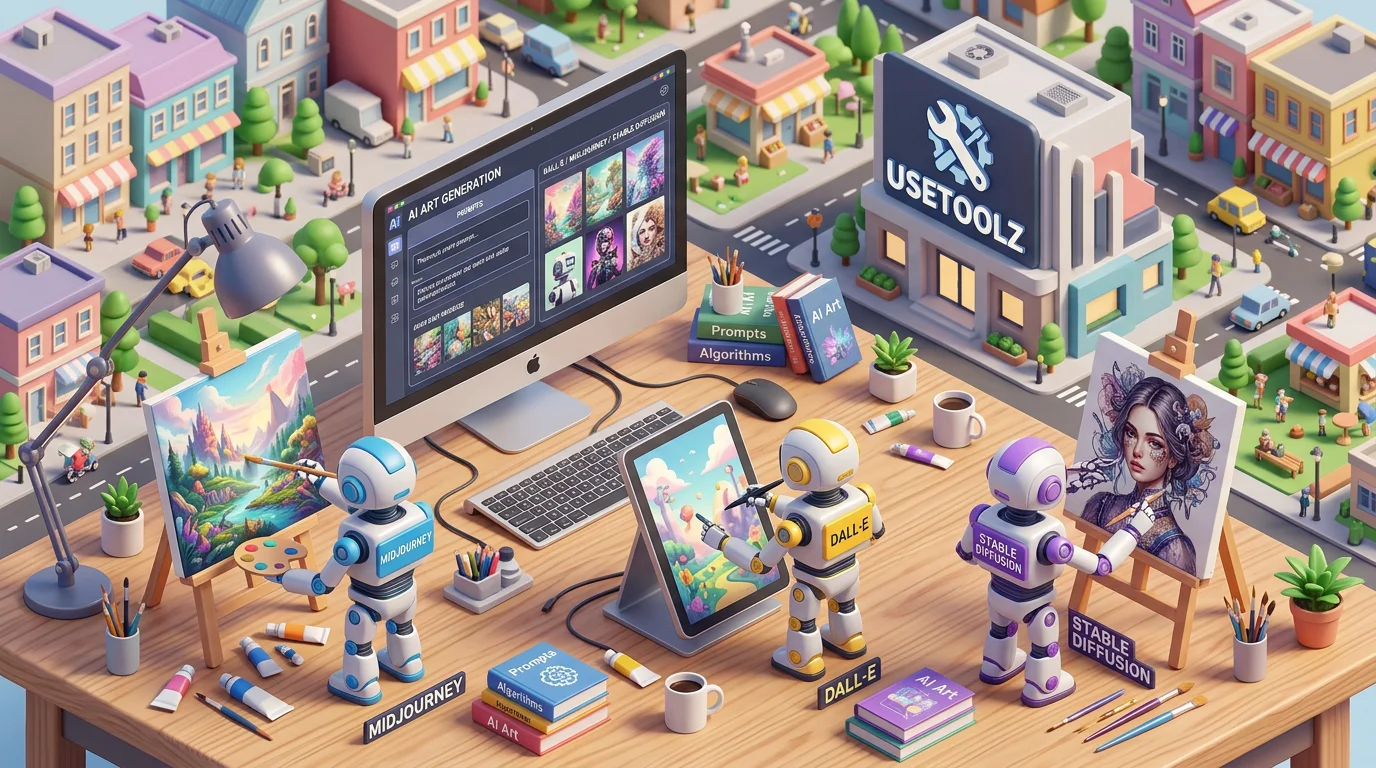
Midjourney — considered the leader in artistic quality. Works via Discord, subscription required ($10–60/mo).
DALL-E 3 — built into ChatGPT Plus ($20/mo). Excellent at understanding complex prompts and text in images.
Stable Diffusion — open-source, runs locally (GPU needed) or via API. Maximum customization.
UseToolz (Gemini) — free online image generator, no VPN needed. Works in English and Russian. 5–10 generations per day.
Use Cases
- Social media — unique illustrations instead of stock photos
- Marketing — banners, promotional materials, product visualization
- Concept art — rapid idea visualization for games and films
- Education — lesson illustrations, scientific concept visualization
- Personal creativity — avatars, wallpapers, art projects
Try the AI image generator now — free, online. Also: AI chat, text rewriter, AI upscaler.