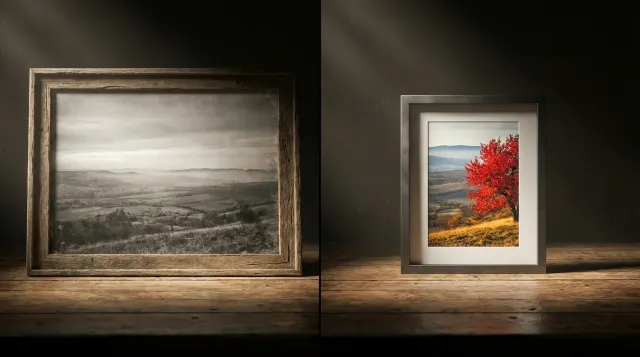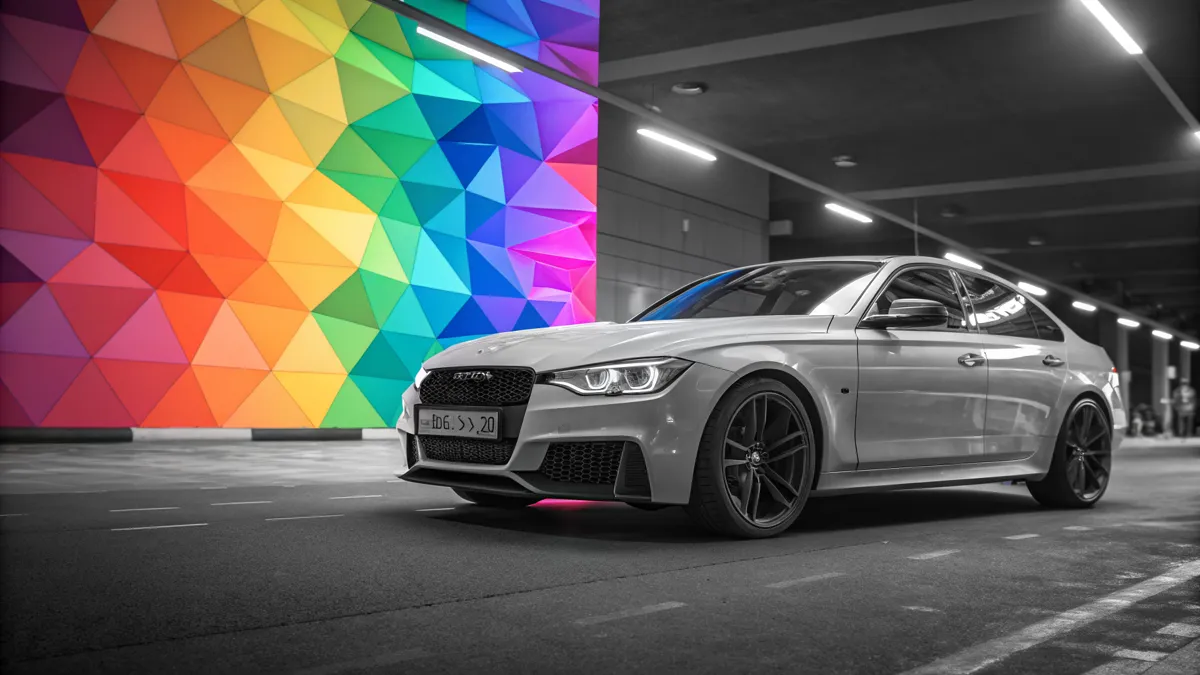
Old black and white photographs hold memories of important life moments — weddings, childhood, historical events. But the absence of color makes these images feel less "alive" to modern viewers. Neural networks for photo colorization solve this problem: they automatically add natural colors to monochrome images in seconds.
What is Photo Colorization
Colorization is the process of adding color to a monochrome image. Historically, this was done manually: artists painstakingly colored each element. The process took 30 minutes to several hours per image and required artistic skill.
With neural networks, the process became automatic. Models trained on millions of color images can determine which colors correspond to which objects: sky is blue, grass is green, skin has natural tones.
How DDColor Works
DDColor (Dual Decoder Colorization) is one of the best open-source colorization models. The architecture uses two parallel decoders:
- Pixel decoder — handles accurate color reproduction for each pixel, working in the Lab color space
- Semantic decoder — understands scene context: recognizes objects and their typical colors
The combined output from both decoders produces more realistic results compared to single-decoder models (DeOldify, ChromaGAN).
The model operates in Lab color space: L (lightness) comes from the original B&W image, while a and b channels (color) are generated by the neural network. This guarantees that the original brightness information is fully preserved.
Step-by-Step Guide: How to Colorize Photos Online
- Prepare your photo — scan a printed photo (minimum 300 DPI) or find a digital copy. Format: JPG, PNG, or WebP, up to 5 MB.
- Upload — drag and drop the file or click to select.
- Click "Colorize photo" — DDColor processes the image in 5–15 seconds.
- Compare the result — use the Before/After slider to evaluate colorization quality.
- Download — choose format: PNG (best quality), JPEG (compact), or WebP (optimal balance).
Tips for Best Results
- Source quality — higher resolution and contrast yield better colorization. Damaged photos should be restored first.
- Portraits — DDColor excels at faces, rendering skin tones, eye color, and lips realistically.
- Complete workflow — for full recovery: restoration first (remove damage), then colorization (add color), then upscaling (increase resolution).
Use Cases
Family archives. Bring family album photos to life — parents' wedding shots, grandparents' childhood photos. Color versions evoke a stronger emotional response.
Historical photographs. Colorized WWII-era photos, Soviet-era images, and historical events help us better visualize the past.
Social media content. Before/after posts with historical photos consistently achieve high engagement.
Try photo colorization online now — free, no signup required. Also see: photo restoration, AI upscaler, background removal.