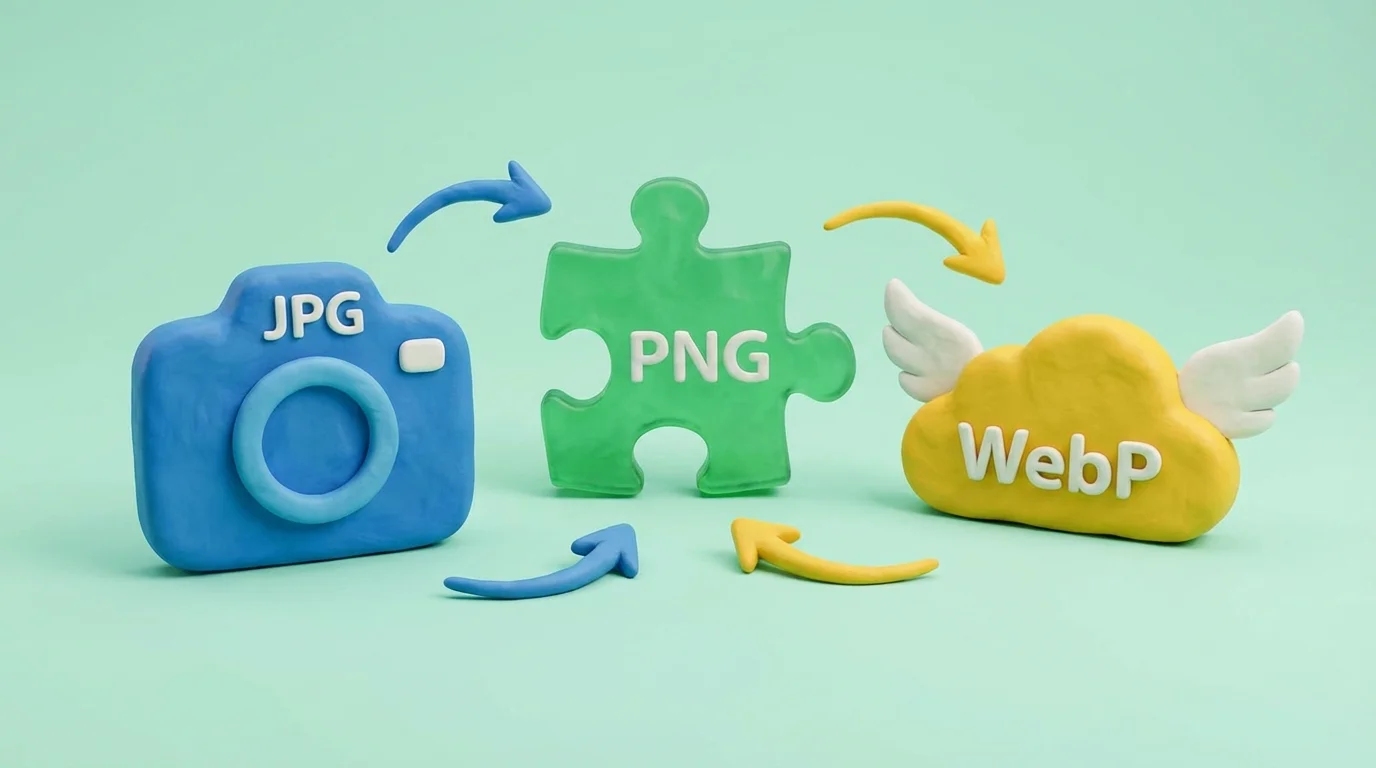
Each image format is designed for specific tasks. Choosing the right format directly affects file size, image quality, and page load speed. Converting between formats is a common task for both web developers and designers.
Format Comparison
JPEG (Joint Photographic Experts Group)
A lossy compression format. Excellent for photographs and images with many color gradients. Does not support transparency. File size is controlled by the quality parameter (1–100%). At 80–85% quality, the size-to-visual-quality ratio is optimal.
PNG (Portable Network Graphics)
A lossless format. Supports transparency (alpha channel). Ideal for logos, icons, screenshots, and graphics with text and sharp edges. Files are significantly larger than JPEG for photos, but every pixel is preserved without artifacts.
WebP
A modern format by Google. Supports both lossy and lossless compression, transparency, and animation — combining the capabilities of JPEG, PNG, and GIF. Files are 25–35% smaller than JPEG at comparable quality. Supported by all modern browsers.
GIF (Graphics Interchange Format)
Supports animation and limited transparency (no semi-transparency). The palette is limited to 256 colors, making it unsuitable for photographs. Primarily used for animated images and simple graphics.
When to Convert
- JPEG → WebP — to optimize website loading. Saves 25–35% in file size with no visible quality loss.
- PNG → JPEG — when transparency isn't needed and file size matters (photos in blog posts).
- PNG → WebP — preserves transparency at a smaller file size.
- WebP → JPEG/PNG — for compatibility with older systems and editors that don't support WebP.
- GIF → WebP — animated WebP files are significantly smaller than GIF.
Browser-Based Processing
Our converter works entirely in the browser using the Canvas API. Files are not uploaded to a server — all processing happens locally. This ensures instant conversion and complete data privacy.
Conclusion
Convert images between formats right in your browser with our format converter. To optimize file size, use the compression tool, and for copyright protection — the watermark tool.