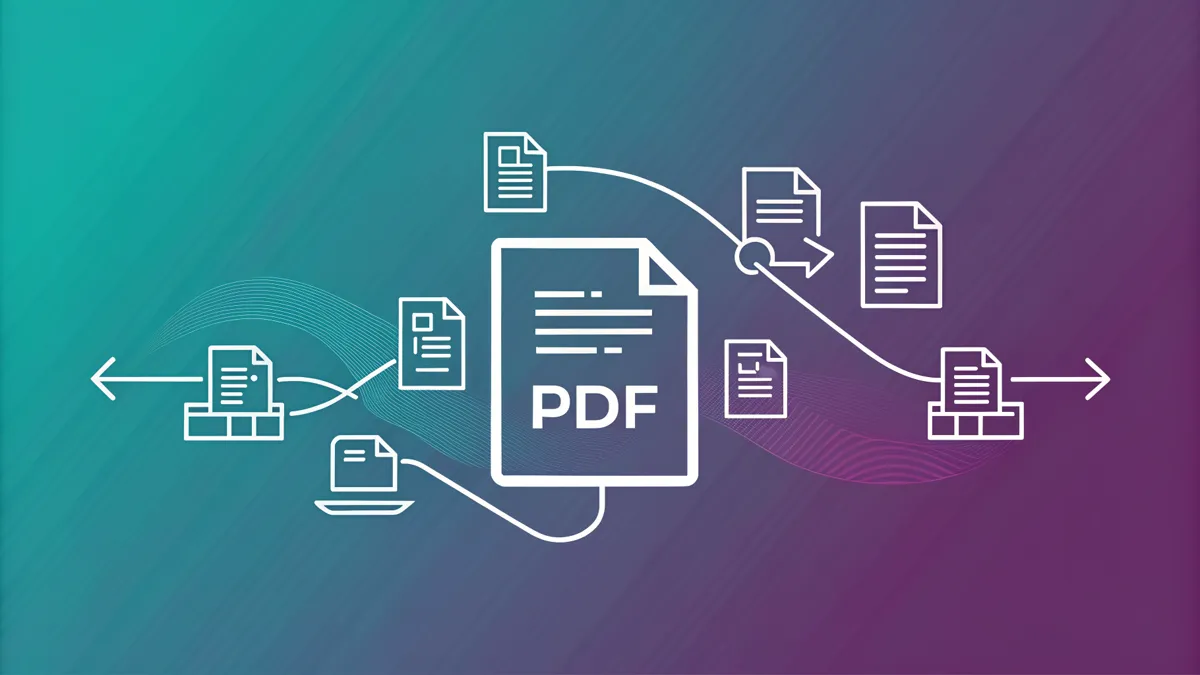
The need to merge multiple PDF files into one document arises all the time: compiling scans into a single report, assembling a contract with appendices, or putting together a presentation from scattered materials. In this article, we will cover how to quickly combine PDFs and why it matters where the file processing takes place.
Why Merge PDF Files
PDF is a universal format for document management. However, the materials you need are often stored in separate files: a cover page, the main text, appendices, scanned signatures. Sending a dozen attachments is inconvenient — it is simpler to merge them into one document. A merged PDF is easier to print, send by email, and upload to document management systems.
Security: Client-Side Processing
Most online services upload your files to their servers, which poses a risk of confidential data leakage. Our PDF merge tool works entirely in the browser — files never leave your computer. WebAssembly technology and the pdf-lib library allow all operations to be performed locally, which is critically important for financial documents, contracts, and personal data.
Step-by-Step Instructions
- Open the PDF merge page.
- Drag and drop the files into the upload area or click the select button.
- Arrange the files in the desired order by dragging them.
- Click "Merge" and download the finished document.
The entire process takes just a few seconds, even for large files.
Practical Tips
- Order matters. Check the file sequence before merging — rearranging pages in a finished PDF is more difficult.
- Compress after merging. If the resulting file is too large, use PDF compression — the size will decrease without noticeable quality loss.
- Check page orientation. Documents with different orientations (portrait and landscape) merge correctly, but it is best to make sure the result looks neat.
- Split and reassemble. If you only need certain pages, first split the PDF, then merge the parts you need.
Common Use Cases
Accounting departments compile invoices and receipts into a single package. Students assemble a thesis from multiple chapters. HR departments put together onboarding document sets. Legal teams merge contracts with supplementary agreements. In all cases, an online tool saves time and requires no software installation.
Try our free PDF merge tool — it is fast, secure, and has no limitations.