Restore old photos online
Remove scratches, creases and stains from an old picture — AI brings back the faces and the detail.
Price per run: 10 credits (≈13 ₽)
Original photo
Click or drag & drop a photo
JPG, PNG, WebP · большие фото уменьшим сами
Without signing in, it is one photo at a time: we took the first. To process them all at once, sign in.
Result Done
Result will appear here
Processing runs in the background — you can navigate away. Usually 5–15 seconds, up to 1–2 minutes on the first run
Без входа хранится час — sign in, чтобы сохранить в «Моих работах».
Many photos at once
Up to 50 photos at a time — choose several or drop a folder. 10 credits a photo.
Sets are for signed-in users and paid with credits. Free tries are one photo at a time.
or drop photos or a whole folder here
·
Credits are charged for each suitable photo. If a photo fails, its credits come back.
You can close the page — finished photos will appear in «My works».
What you get
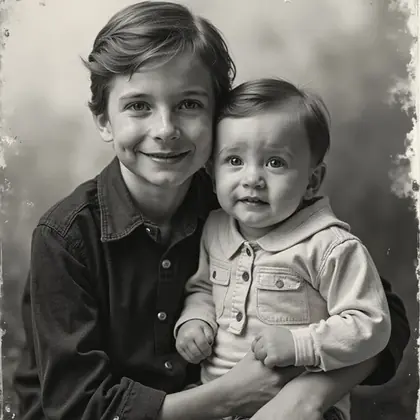
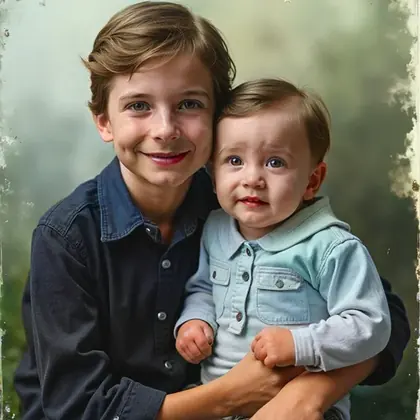
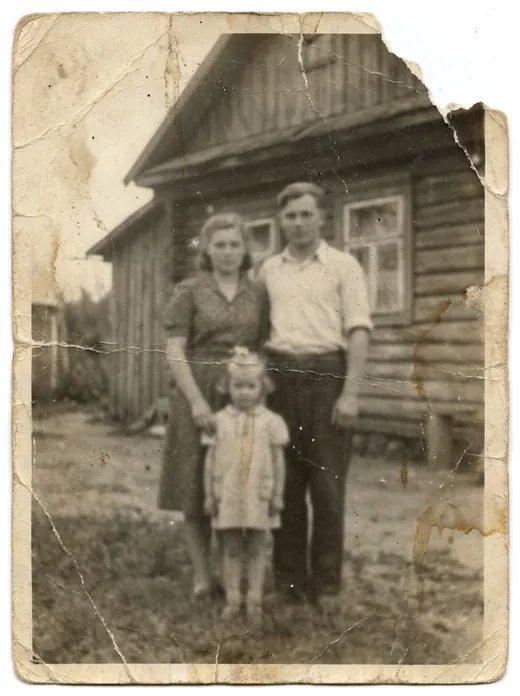
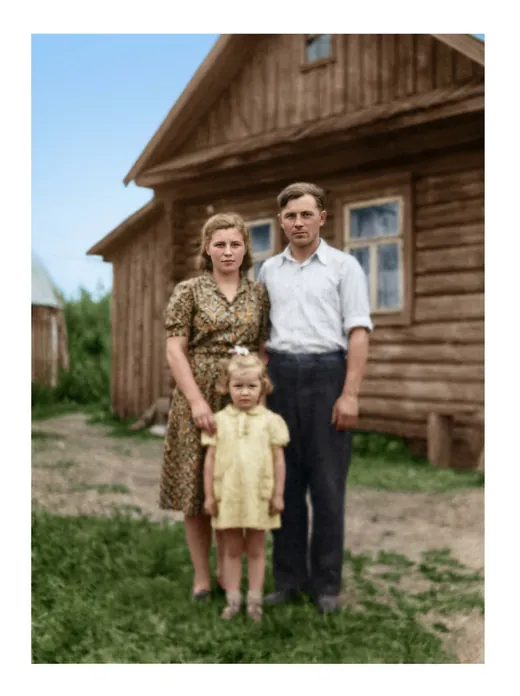
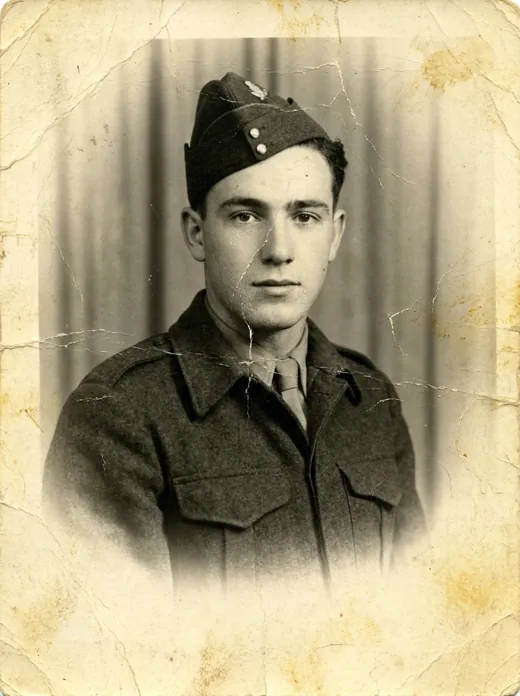
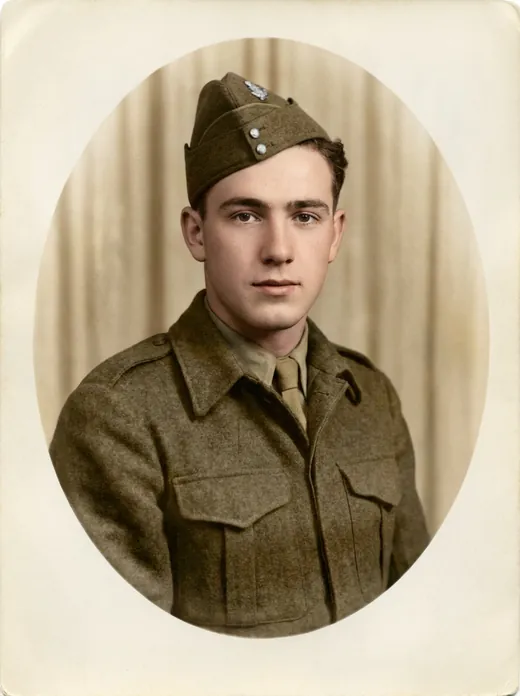
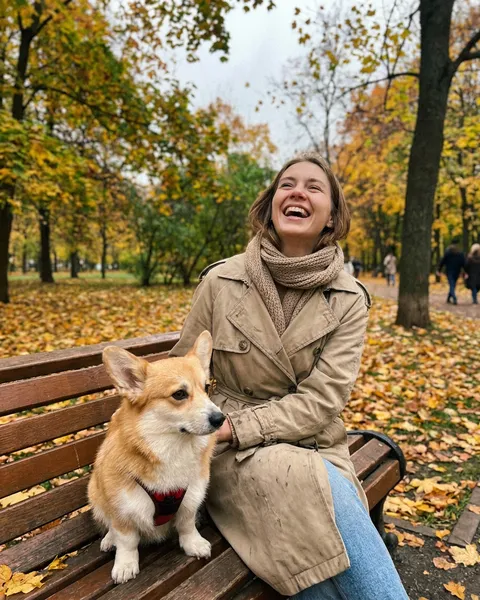
Comparison: before and after
← → стрелки на клавиатуреUpload an old or damaged photo (JPG, PNG or WebP) and click "Restore photo".
The GFPGAN neural network restores facial details, removes noise, scratches and damage. Processing takes 5–15 seconds.
Scale — is chosen automatically: 1x to restore at the original size or 2x to upscale at the same time.
Comparison — after processing, use the Before/After slider to compare the original with the restored version.
Photo restoration: 10 credits per use. Available with subscription or credits.
Нужно сделать несколько вещей сразу? Просто напишите в ИИ-чат
Уберёт фон, поставит на студийный подиум, оживит в видео и напишет текст — без ручной возни по шагам.
Photo Restoration Online — Restore Old Photos with AI
Enhance old photo quality, remove scratches, restore facial details — the GFPGAN neural network does this automatically in 5–15 seconds. Photo restoration online — no software installation, no VPN.
How AI Photo Restoration Works
AI photo restoration automatically improves image quality using neural networks. Unlike manual retouching in Photoshop, the AI analyzes the entire image and restores details based on training on millions of photographs:
- Damage detection — the neural network identifies scratches, noise, blur, compression artifacts
- Face recognition — GFPGAN specializes in face restoration: eyes, nose, mouth, skin texture
- Detail generation — the AI reconstructs lost details based on context and training data
- Resolution enhancement — at 2x scale, the image doubles in size with added detail
GFPGAN — Face and Detail Restoration
GFPGAN (Generative Facial Prior GAN) is a neural network from Tencent ARC specializing in photo restoration, particularly faces. The model uses a generative prior (pre-trained knowledge about facial structure) to restore realistic details even on severely damaged photos.
GFPGAN also works well on general photos: landscapes, architecture, text — removing noise, enhancing sharpness, and restoring details.
What the Neural Network Can Restore
| Damage Type | Restoration Quality | Notes |
|---|---|---|
| Scratches and cracks | Excellent | Works without additional settings |
| Noise and grain | Excellent | Especially effective on old photos |
| Blur | Good | Restores sharpness, especially on faces |
| JPEG artifacts | Good | Removes blockiness and halos |
| Damaged faces | Excellent | GFPGAN's main specialization |
| Fading | Good | Restores contrast and tonal range |
Restoration Methods Compared
| Method | Speed | Cost | Face Quality | Skills Needed |
|---|---|---|---|---|
| GFPGAN (UseToolz) | 5–15 sec | 10 credits | High | None |
| Photoshop (manual) | 1–4 hours | $22/mo | Depends on skill | Advanced |
| Professional retoucher | 1–7 days | $50–300 | High | Expert |
| Mobile apps | 10–30 sec | $5–15/mo | Medium | Basic |
Tips for Best Results
- Scan at high DPI — for printed photos, scan at minimum 300 DPI for best results
- 2x scale — use for small photos to simultaneously enlarge and enhance
- 1x scale — for normal-sized photos when only quality improvement is needed
- Combine tools — restoration + colorization + upscaling = complete recovery
See also: Colorize Photo · AI Upscaler · Background Remover · Image Compression · Resize
FAQ
Ответы на популярные вопросы о работе инструмента
01
How much does photo restoration cost?
Photo restoration costs 10 credits per use. Available with a subscription (from 499 ₽/mo) or one-time credit packs (from 50 ₽).
02
How do I restore an old photo?
Upload your photo (JPG, PNG, or WebP up to 5 MB), choose scale (1x or 2x), click "Restore". The GFPGAN neural network will automatically restore details, remove noise and scratches in 5–15 seconds.
03
Can it remove scratches?
Yes. GFPGAN effectively removes small to medium scratches. Deep damage may be partially repaired.
04
Does it work with damaged faces?
Yes, this is GFPGAN's main specialization. It restores eyes, nose, mouth, and skin texture even on severely damaged portraits.
05
What's the difference between 1x and 2x?
1x restores at original size (quality improvement only). 2x doubles the resolution while adding detail. Use 2x for small photos.
Useful articles
AI Product Photography for E-Commerce & Marketplaces: White Background & Studio Lighting
How e-commerce sellers create studio product photos with AI on UseToolz: clean white backgrounds, soft shadows, lifestyle scenes, and batch processing up to 50 images.
AI Photo Colorization: How Neural Networks Bring Old Photos to Life
How neural networks colorize black and white photos: DDColor technology, method comparison, practical tips, and step-by-step guide.