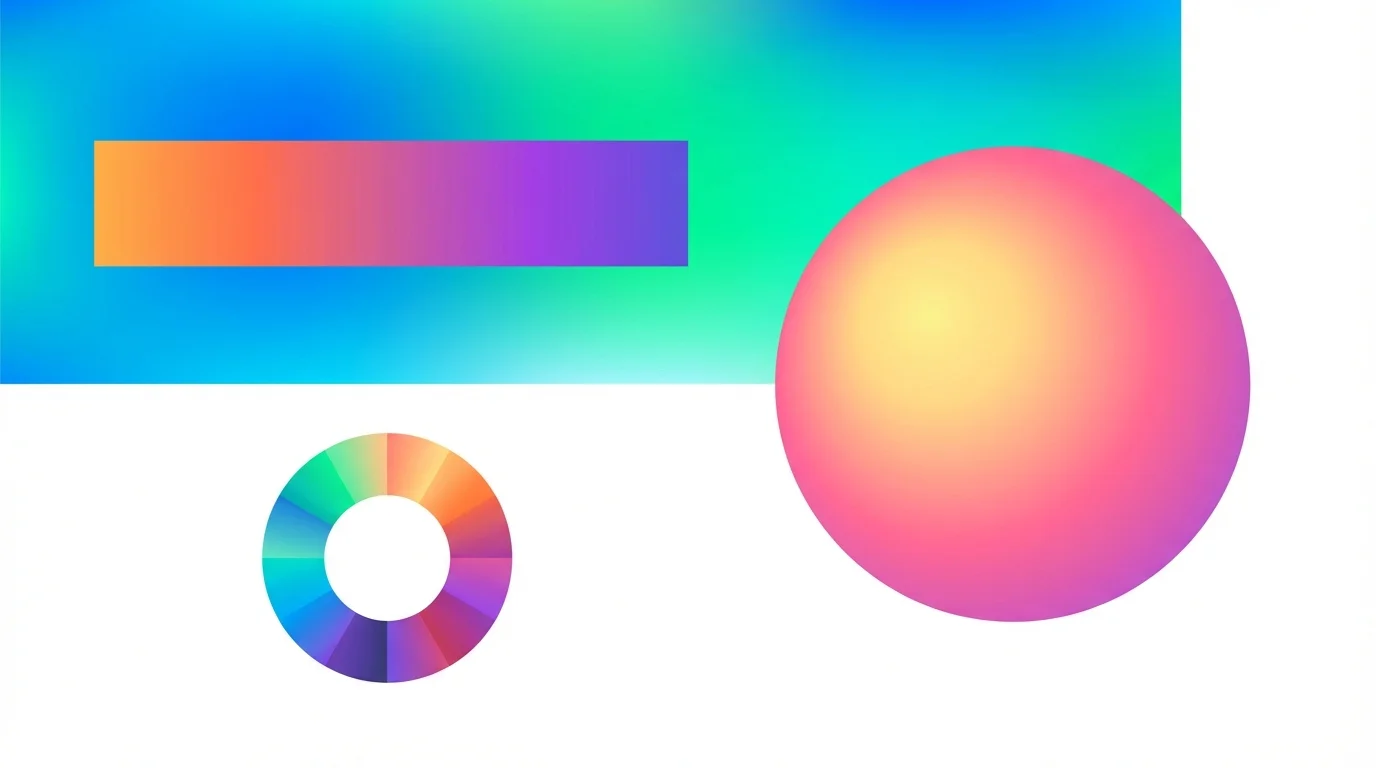
CSS gradients are a powerful tool for creating smooth color transitions without using images. They reduce the number of HTTP requests, scale without quality loss, and are easy to animate.
Linear Gradient
The most common type. Colors transition along a straight line:
background: linear-gradient(to right, #667eea, #764ba2);
The direction is set using keywords (to right, to bottom right) or an angle (45deg, 90deg).
Radial Gradient
Colors radiate outward from a central point:
background: radial-gradient(circle, #667eea, #764ba2);
You can set the shape (circle, ellipse) and the center position.
Practical Tips
- Use 2–3 colors for natural transitions
- Check text contrast against the gradient background
- Add a fallback color for older browsers
- Gradients work great as overlays on top of images
Conclusion
Create the perfect gradient visually with our CSS gradient generator. Also try the shadow generator and the border-radius generator.