The need to compare two texts comes up constantly: a developer reviews code changes, a lawyer checks a new version of a contract, an editor looks for revisions in an article. Text comparison tools (diff) automate this process and instantly show what has been added, removed, or changed. Let's explore how it works.
What Is Diff
Diff (from "difference") is both the process and the result of comparing two text fragments. The diff utility first appeared in Unix in the 1970s, and since then the concept has become fundamental in software development. The result of a comparison is a set of "differences" — lines that exist only in one of the texts or have been modified.
Modern diff tools can compare not only line by line but also character by character, highlighting specific changed fragments within a line. This greatly simplifies analysis: instead of searching for differences visually, you immediately see where changes occurred.
Comparison Algorithms
Most diff tools are based on the Longest Common Subsequence (LCS) algorithm. The idea is simple: the algorithm finds the longest sequence of elements present in both texts in the same order. Everything not included in the LCS is considered a difference.
The classic LCS algorithm has O(n*m) complexity, where n and m are the lengths of the compared texts. For large files, optimizations are used: the Myers algorithm, which finds the shortest edit path, or the patience diff algorithm, which produces more readable results by anchoring to unique lines.
Types of Comparison
- Line-by-line comparison — the classic approach where the unit of comparison is a line. Used in Git, SVN, and most code review tools.
- Character-level comparison — highlights specific changed characters within a line. Useful when editing prose and documentation.
- Word-level comparison — splits text into words and compares them. Convenient for legal and business documents where every word matters.
Where Diff Is Used
Diff is one of those tools used everywhere:
- Code review. When reviewing a pull request on GitHub, GitLab, or Bitbucket, the reviewer sees a diff — a list of changes made by the developer. This allows focusing specifically on the new code.
- Version control systems. Git stores change history as diffs. The
git diffcommand shows what has changed in the working copy compared to the last commit. - Legal documents. When preparing a new version of a contract, it's important to see exactly which clauses were changed. Diff lets you quickly find all edits without rereading the entire document.
- Content and editing. Editors use text comparison to see all revisions made by an author or proofreader in a new version of an article.
- Server configurations. System administrators compare configuration files to find differences between working and reference versions.
How to Read Diff Results
Comparison results are typically presented in one of two formats: unified diff or side-by-side. In the unified format, lines starting with - exist only in the first text (removed), while lines with + exist only in the second (added). Unchanged lines are shown without a prefix for context.
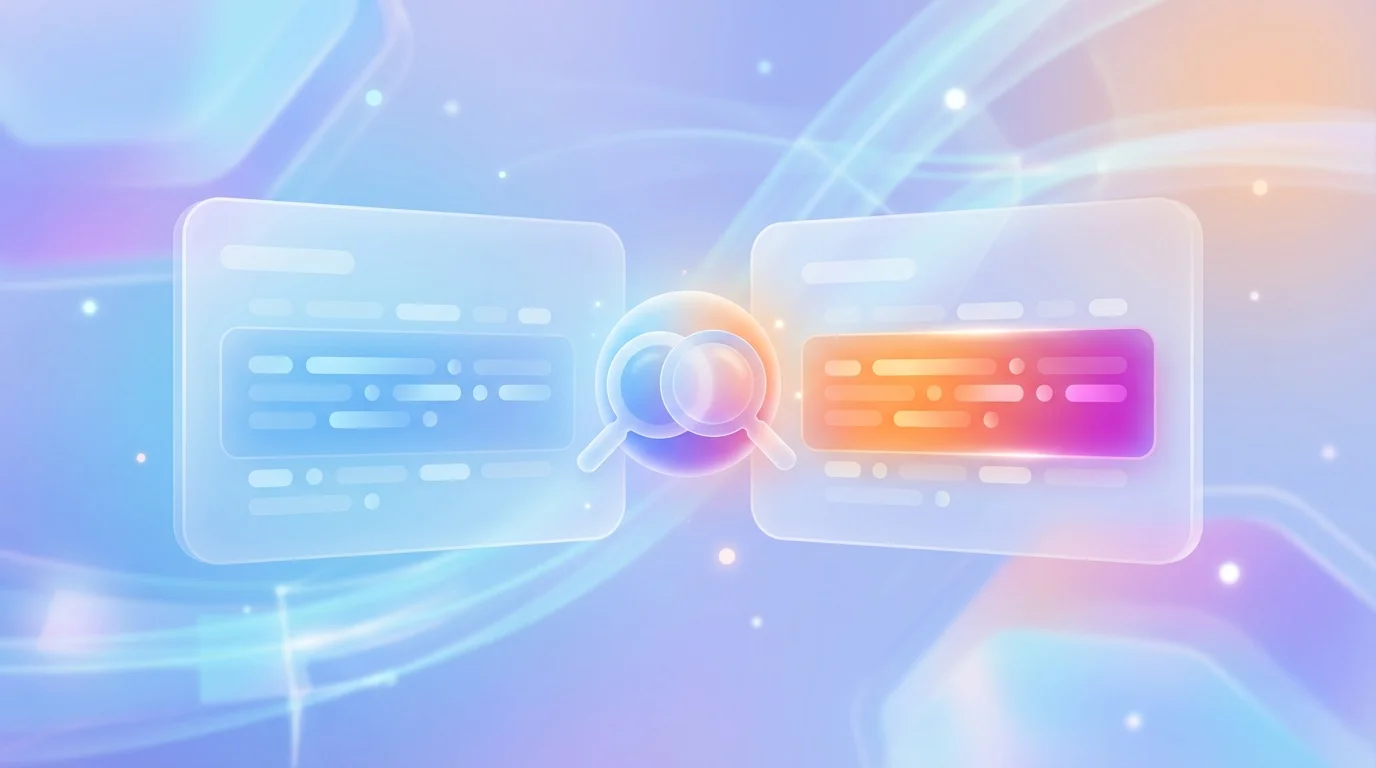
In side-by-side format, both texts are displayed next to each other, and differences are highlighted with color. This format is more visual but requires more screen space. Most online tools offer both display options.
Tips for Working with Diff
- Normalize text before comparing. Differences in encoding, line endings (LF vs CRLF), or extra whitespace can create "noise." Bring both texts to a uniform format.
- Use whitespace ignoring. Many tools allow you to disregard indentation changes — useful when comparing code reformatted by a different editor.
- Compare small chunks. If the diff is huge, break the task into parts — it's easier to analyze changes that way.
- Save the results. When working with important documents, save the difference report — it may come in handy when resolving disputes.
Conclusion
Text comparison is a fundamental operation without which modern development and document management would be unthinkable. Understanding algorithms and output formats helps you find the changes you need faster and avoid missing important edits.
You can compare two texts right in your browser using our text comparison tool. If you work with code, you may also find our JSON formatter useful for normalizing data before comparison.