Edit a photo by description — style, background, look
Upload your photo and say what to change: the style, the background, the clothes, the look. For example, “anime style” or “by the sea”.
Upload your photo and say what to change: the style, the background, the clothes, the look. For example, “anime style” or “by the sea”.
This is one of the things “Draw a picture or edit a photo” does. Everything it does →
Price per generation: Basic — free (, then 10 credits), Maximum — 35 credits (≈46 ₽).
Photo to stylize
Yourself, reimagined (applied to your photo)
Style
Additional instructions (optional)
Only your own photos, or with the consent of the person shown. Undressing, intimate imagery and other people's or public figures' faces are prohibited.
Image description
Style
← scroll for more styles →
Format
One prompt — different results
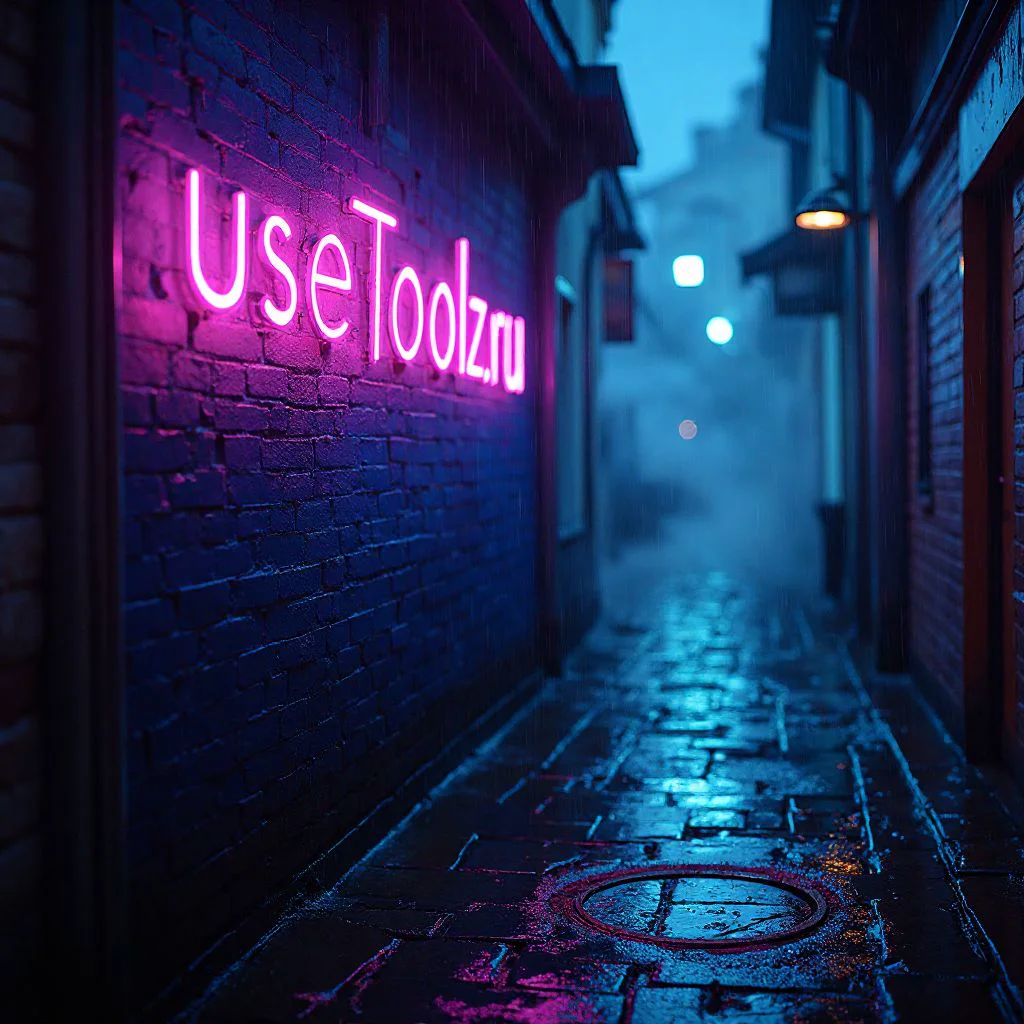
Basic
Fast, for most tasks
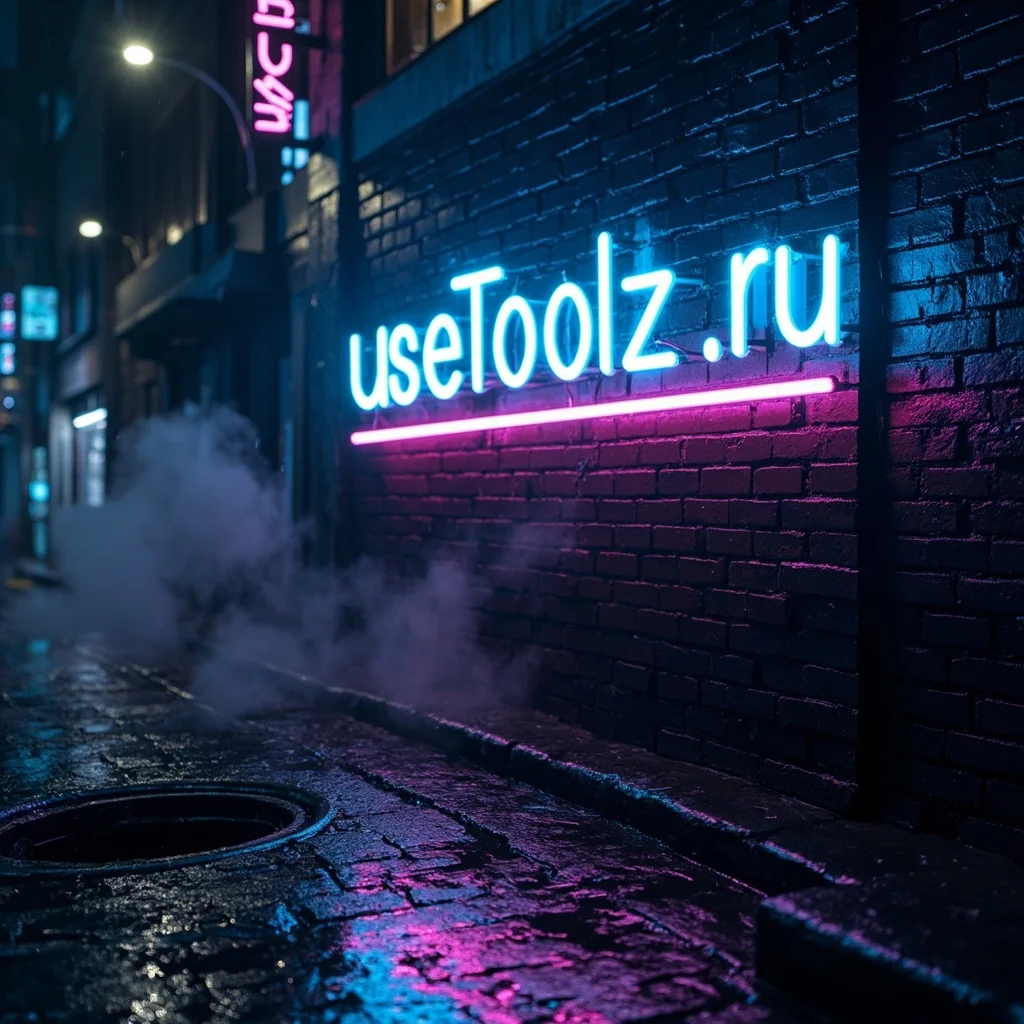
Maximum
Complex scenes and lettering in the picture
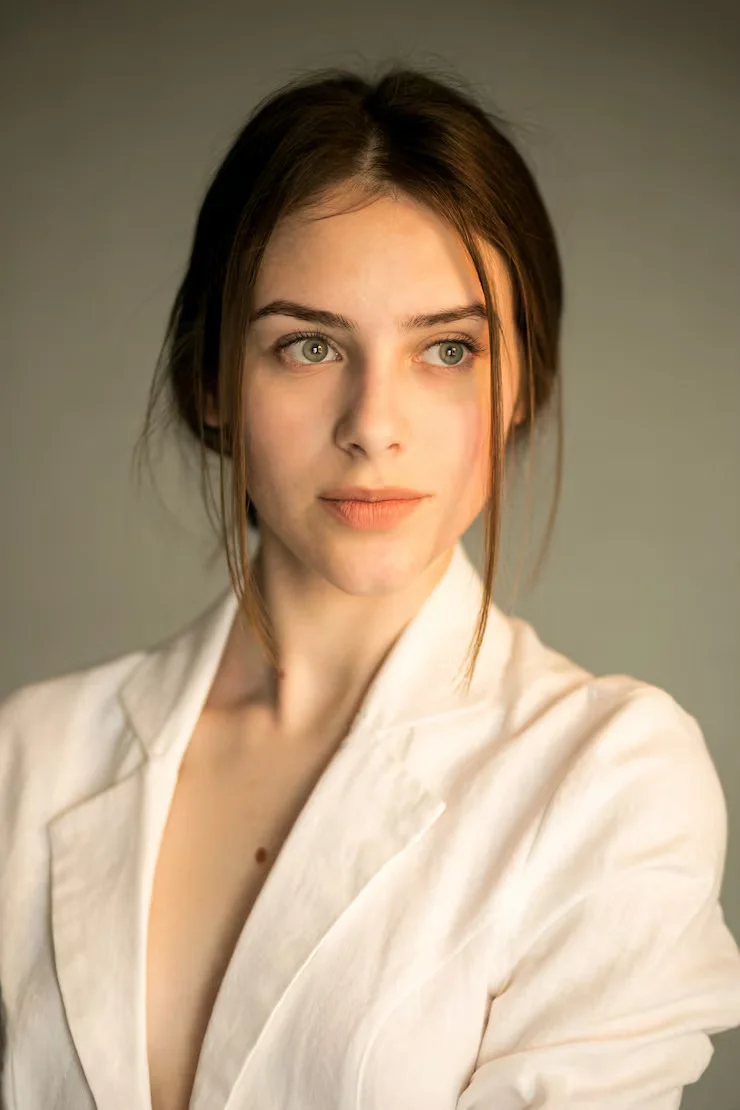
Original
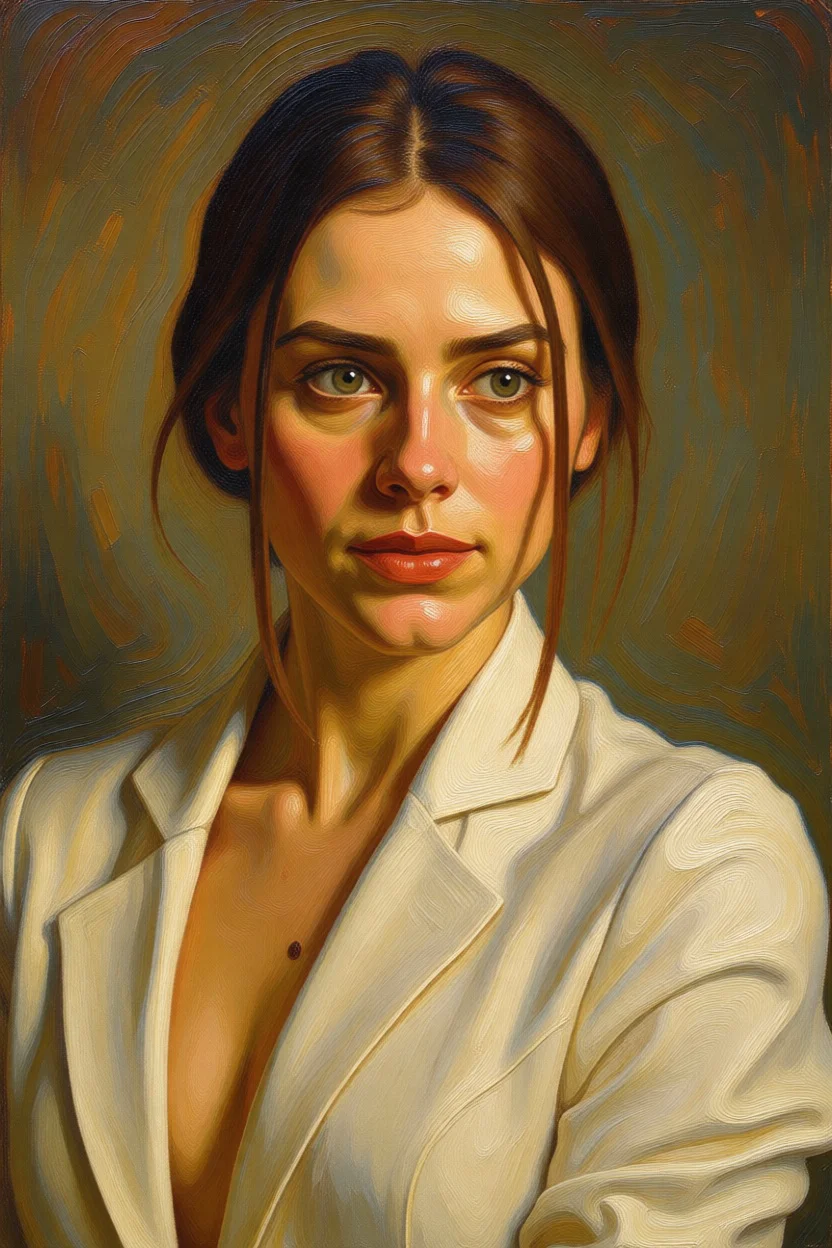
Basic
Like a filter applied on top
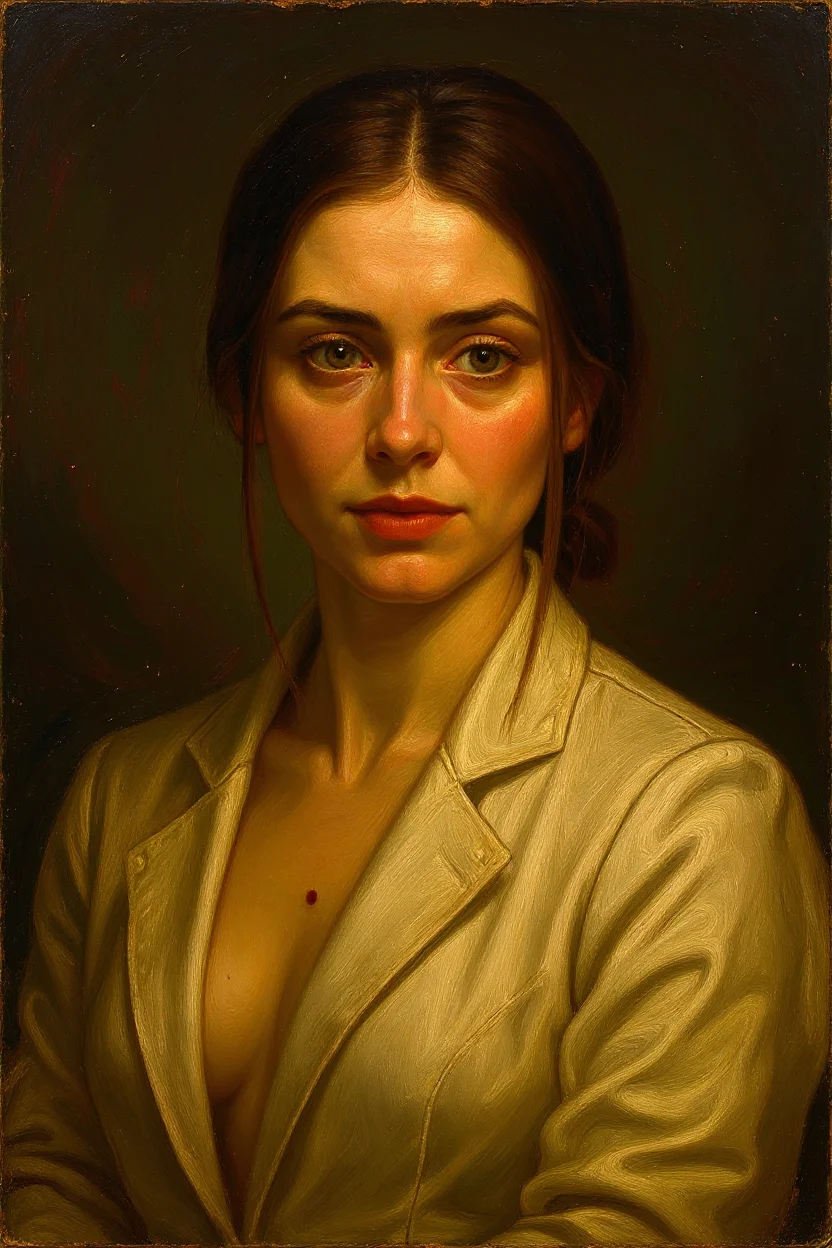
Maximum
Like a real oil painting
Generation usually takes 10–30 seconds. Don't close the page.
Result
DoneTap the image to download
Without signing in, a result is kept for an hour — sign in, and it stays in «My works».
Generation history
Examples — tap to try
Gallery →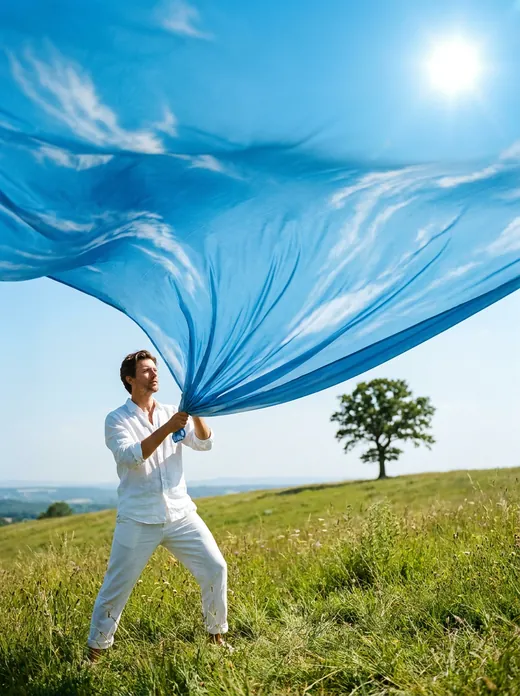
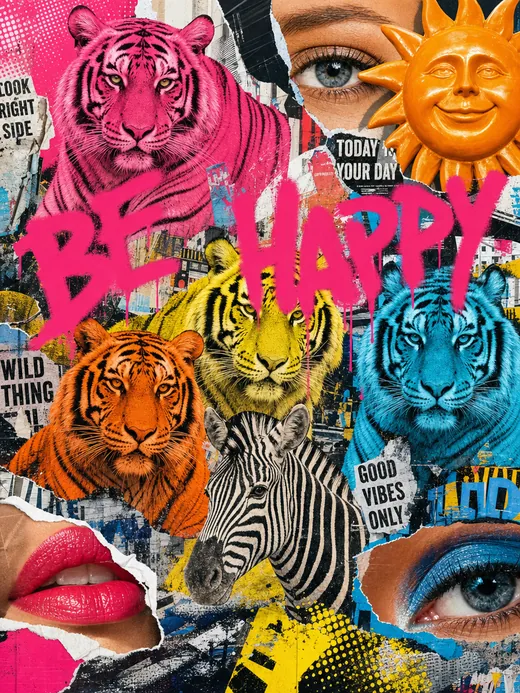
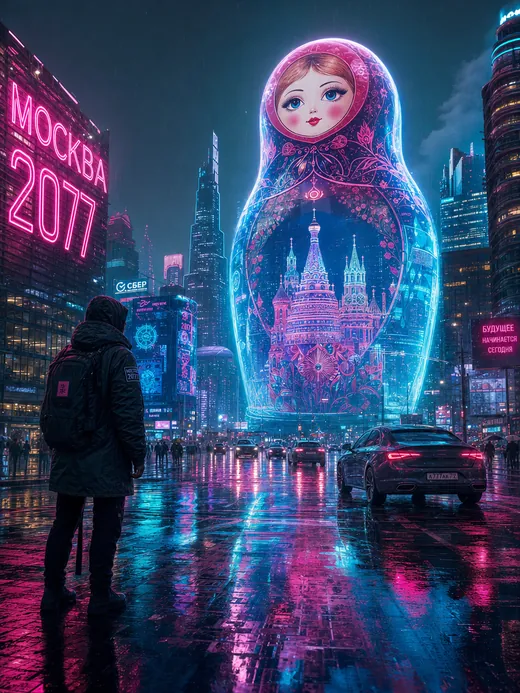
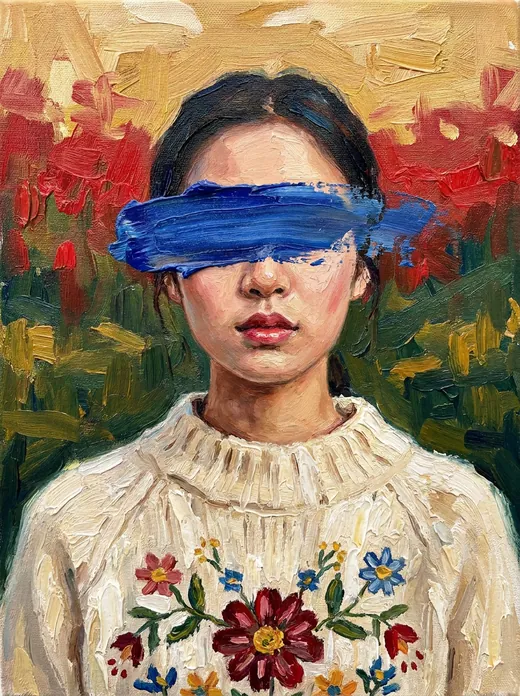
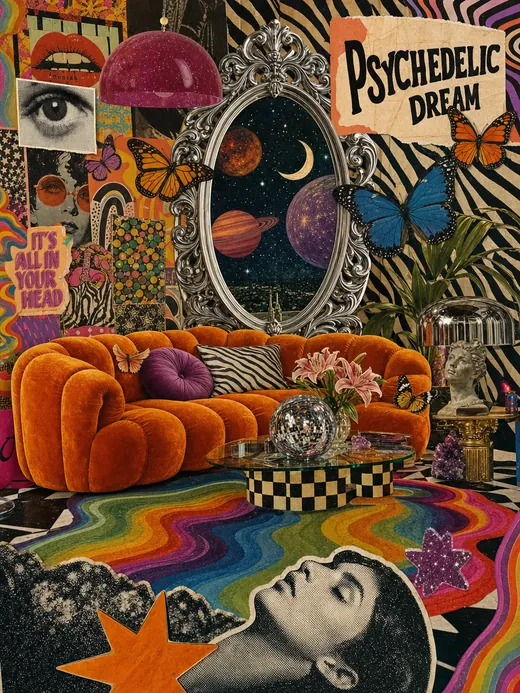
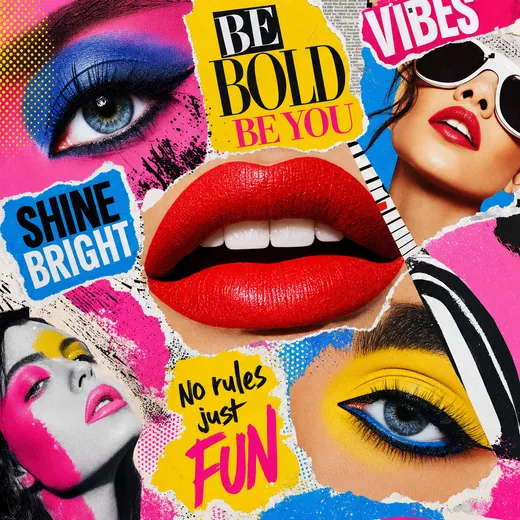
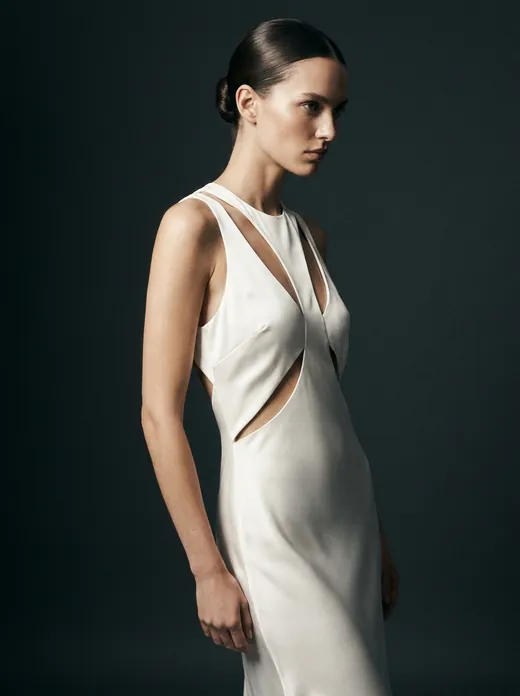
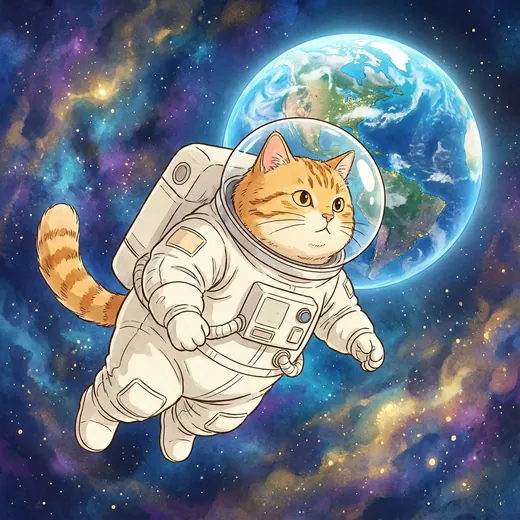
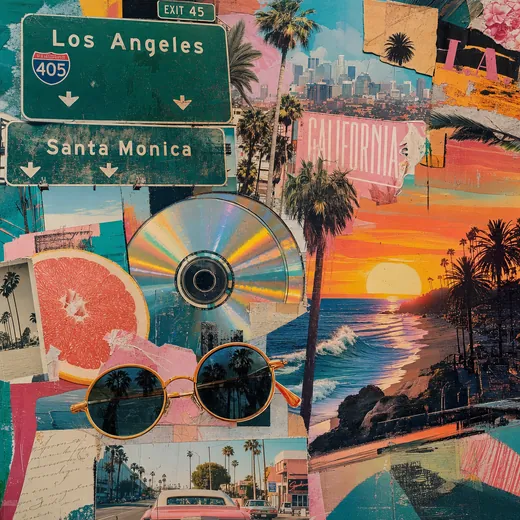
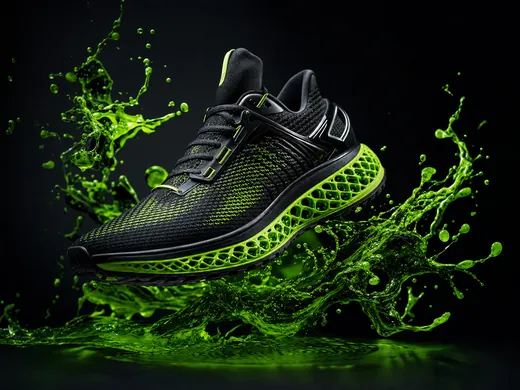
Enter a description of the desired image in any language. The more detailed the description, the more accurate the result.
Styles — choose one of 7 styles: realism (photographic quality), anime, cartoon, oil painting, watercolor, pixel art, 3D render.
Generation — click "Generate" or Ctrl+Enter. Generation usually takes 10–30 seconds.
History — all images are saved in the session gallery. Switch between them for comparison and download.
Free: 1 generation per day. Need more — subscription or credits.
How to edit a photo
- Upload your photo — big phone pictures are made smaller by themselves.
- Pick a style or a ready look and, if needed, say what to change: “add a hat”, “make the background space”.
- Press “Stylize” — the picture is ready in half a minute.
One picture a day is free, then 10 credits a picture. Only your own photos or photos taken with the person's consent.
This is one of the things the image generator does: it also draws a picture from a description.
Useful articles
Nano Banana 2 — Google AI Image Generation: Create Images from Text
Nano Banana 2 (Gemini 3.1 Flash Image) — Google model for creating and editing images. UseToolz runs its new version, Nano Banana 2.1 — try it free in Russian, no VPN.
AI Image Generation: Complete Guide to Creating Images from Text
How to generate images with AI from text: style selection, prompt writing, comparing Midjourney, DALL-E, Stable Diffusion, and UseToolz.
AI Photo Restoration: How to Restore Old and Damaged Photos
How the GFPGAN neural network restores old and damaged photos: technology, capabilities, step-by-step guide, and tips.