Animate a photo online — a video from a picture
Upload a photo and AI turns it into a video: a person smiles, blinks, turns their head, nature comes to life.
Upload a photo and AI turns it into a video: a person smiles, blinks, turns their head, nature comes to life.
This is one of the things “Video Generator” does. Everything it does →
Price per generation: Basic — 80 credits (≈104 ₽ per 5 s), Maximum — 150 credits (≈195 ₽ per 5 s).
Cost: 20 credits per second of video. The longer the speech, the longer the video.
Video description
Duration
Format
Photo for animation
What should happen in the video? (optional)
Duration
Format
How it works
- 1. Upload a photo of a person — AI brings the face to life
- 2. Write text or upload audio — the avatar speaks it with lip sync
- 3. Get a video with a talking avatar
Cost: 20 credits per second of video. The longer the speech, the longer the video.
Upload a face photo
Speech source
What should the avatar say?
~ sec · ~
Upload audio
sec · ~
Generation runs in the background — you can switch to another page. Usually up to 2 minutes. If it's not ready within 5, your credits are refunded.
The price is 60 credits per 5 s of the source video, the total is on the button. The price is 30 credits per 5 s of the source video, the total is on the button.
Character photo
Video with the motion
The result matches the length of the motion video — up to 30 seconds. 20 credits per second.
Motion details (optional)
Video to edit
New style
Video with a person
Audio
Available after signing in
Examples — tap to try
Gallery →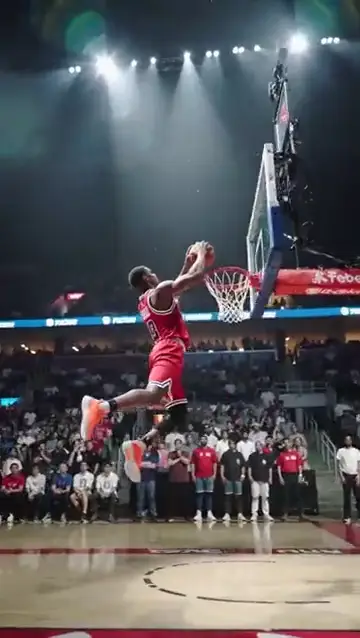
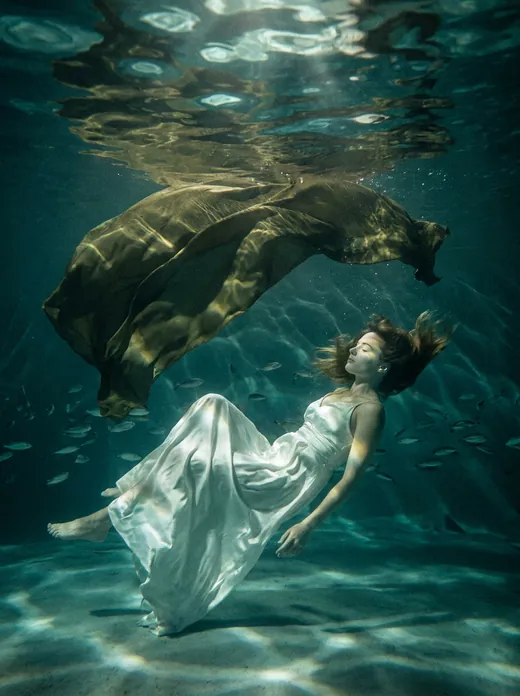
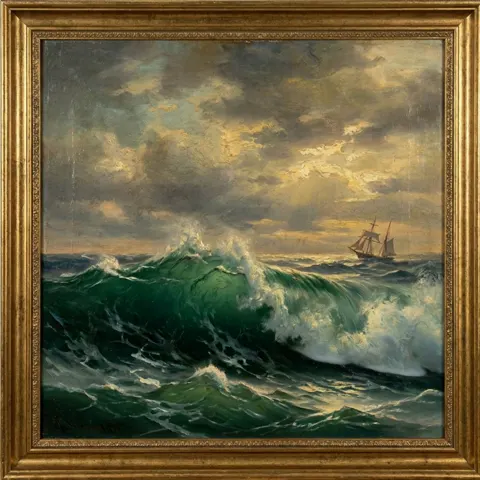
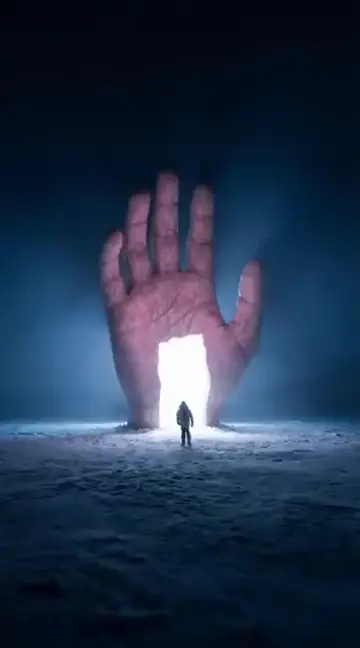
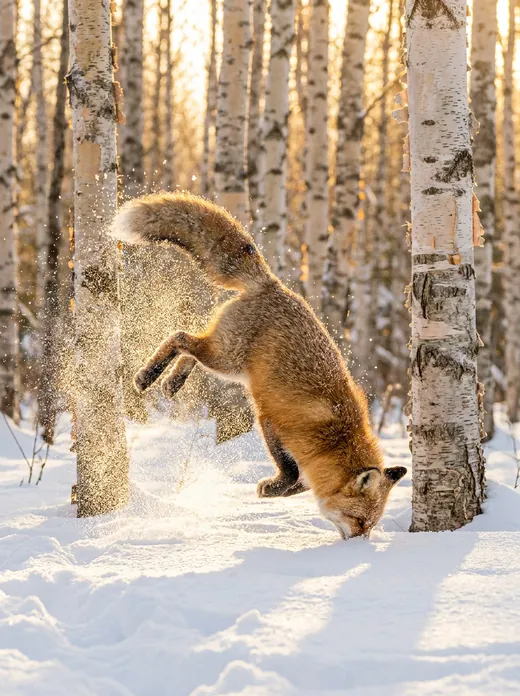
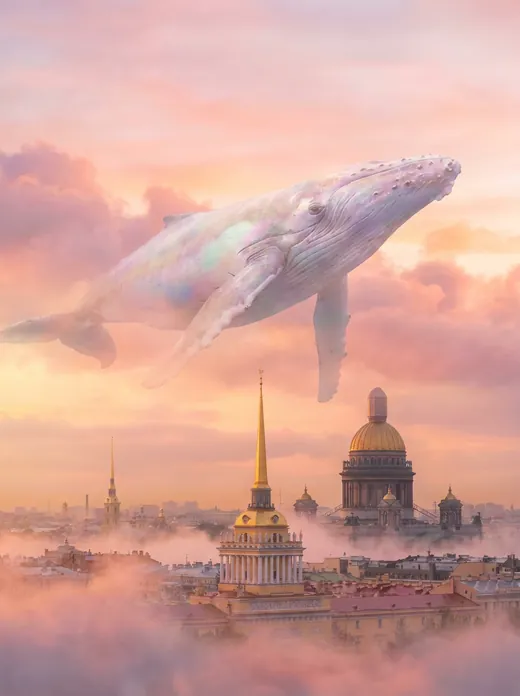
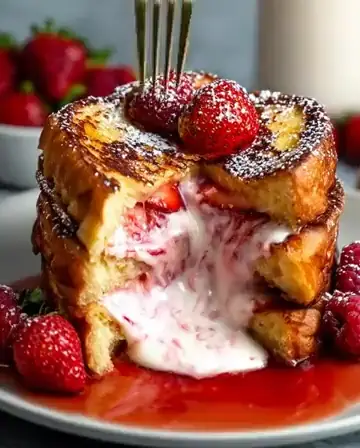
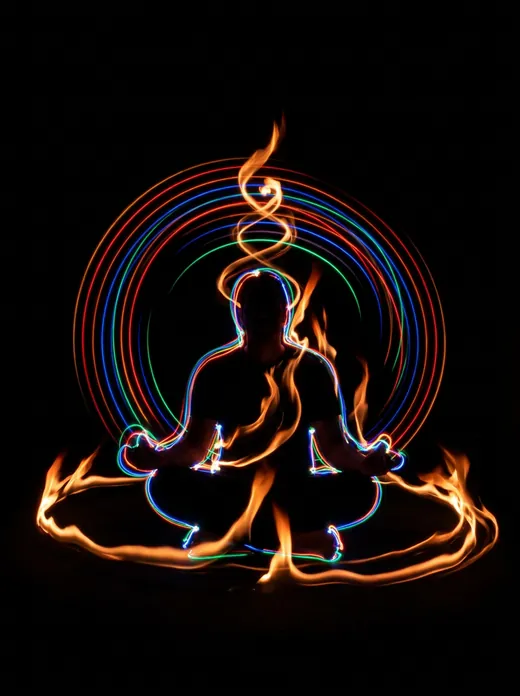
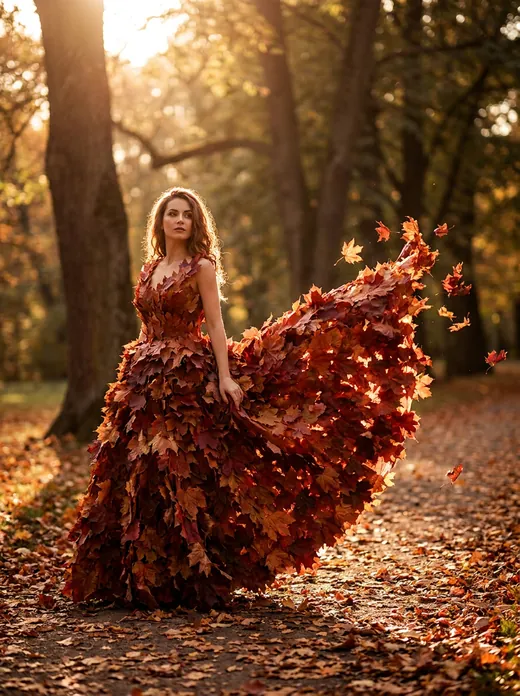
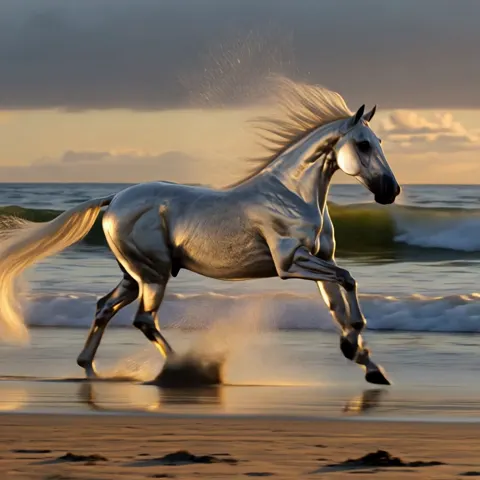
How to animate a photo
- Upload a photo: a portrait, an old family picture, a pet or a landscape.
- If you like, say what should happen: “smiles and waves”, “hair blowing in the wind”.
- Choose the length and press “Animate photo”. The video is ready in 1–3 minutes.
The price is 80 credits per 5 s of video in “Basic” and 150 credits per 5 s in “Maximum”, shown on the button before you start. If the video does not work out, the credits come back.
This is one of the things the video generator does: video from a description, photo animation, a talking avatar, motion transfer, restyling, lip sync and extending a video are all there.
Can I animate an old black-and-white photo?
Yes. If the picture is scratched or faded, first restore or colorize it, then animate it — the face comes out sharper.
Do I need to sign up?
Yes, animating a photo needs an account: a video costs credits, and finished videos are kept in “My works”.
Useful articles
AI Video Generation — Wan 3.0 and Kling 3.0: Text to Video
Create videos from text with Wan 3.0 and Kling 3.0 — the best AI video models of October 2026. In Russian, no VPN, pay in rubles.
AI Image Generation: Complete Guide to Creating Images from Text
How to generate images with AI from text: style selection, prompt writing, comparing Midjourney, DALL-E, Stable Diffusion, and UseToolz.
AI Text Rewriting — 5 Paraphrasing Styles
What is text rewriting, what paraphrasing styles are available, and how to use AI to create unique content.